

CampVibe Staff tools for rollout, support, and oversight.
CampVibe employees manage feature controls, premium tiers, licensing, technical access, implementation support, and campground-level operational configuration.

Feature Controls
Turn major app features on or off globally or per campground and package premium tools by tier.
Licensing & Access
Manage technical access, licensing gates, demo environments, and staff-only configuration views.
Support & Onboarding
Guide launches, help teams configure campgrounds, and support staff/admin workflows across communities.
Operational Review
Review forms, workflows, staff visibility, notification rules, and premium packaging against campground needs.
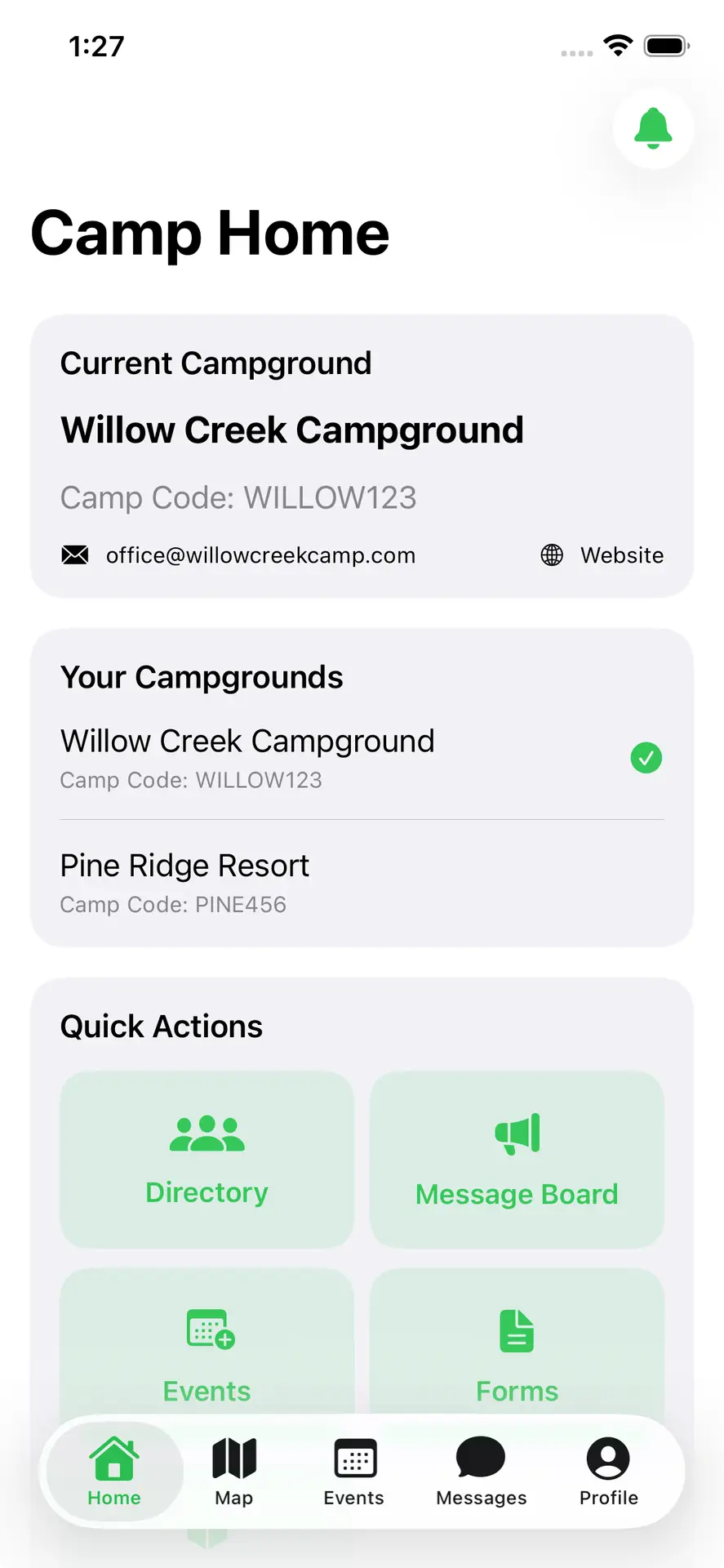
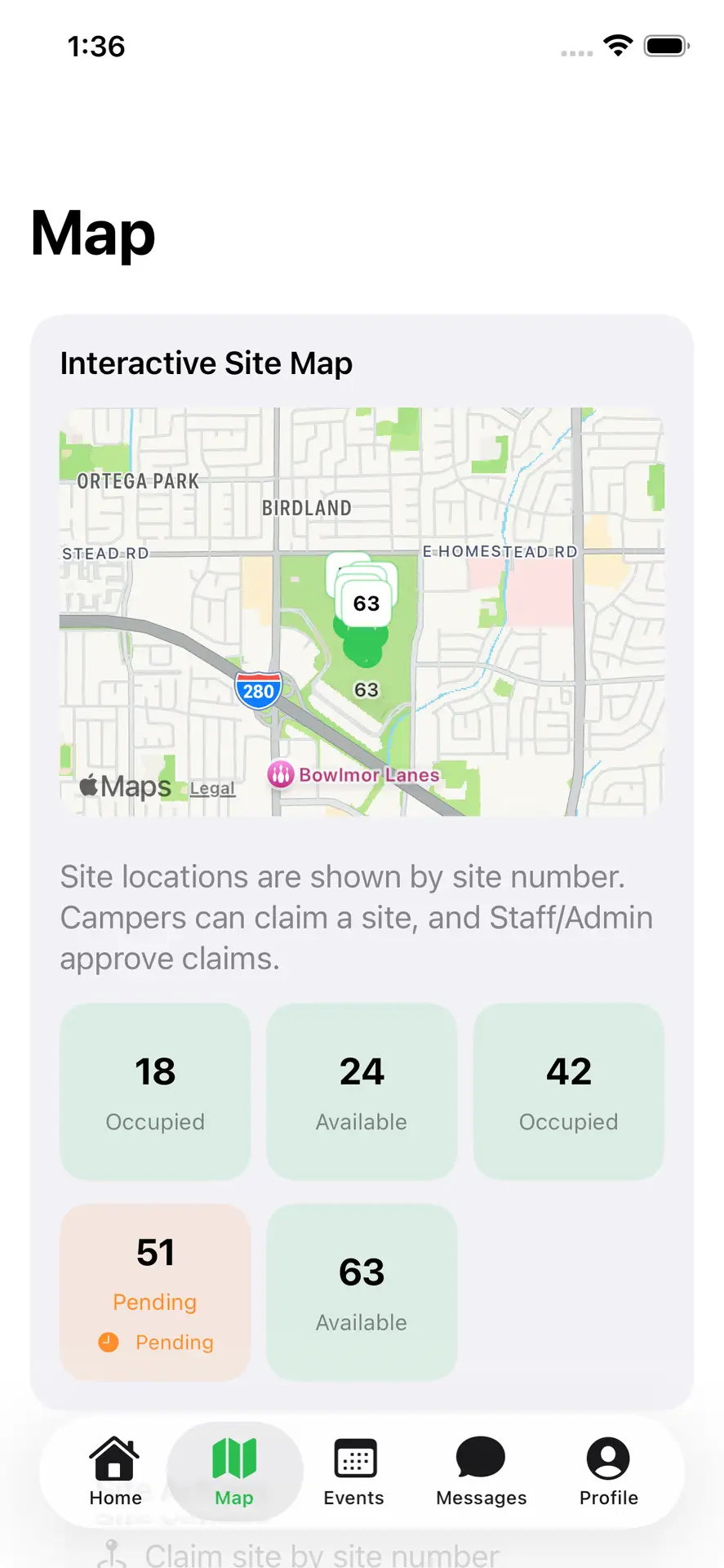
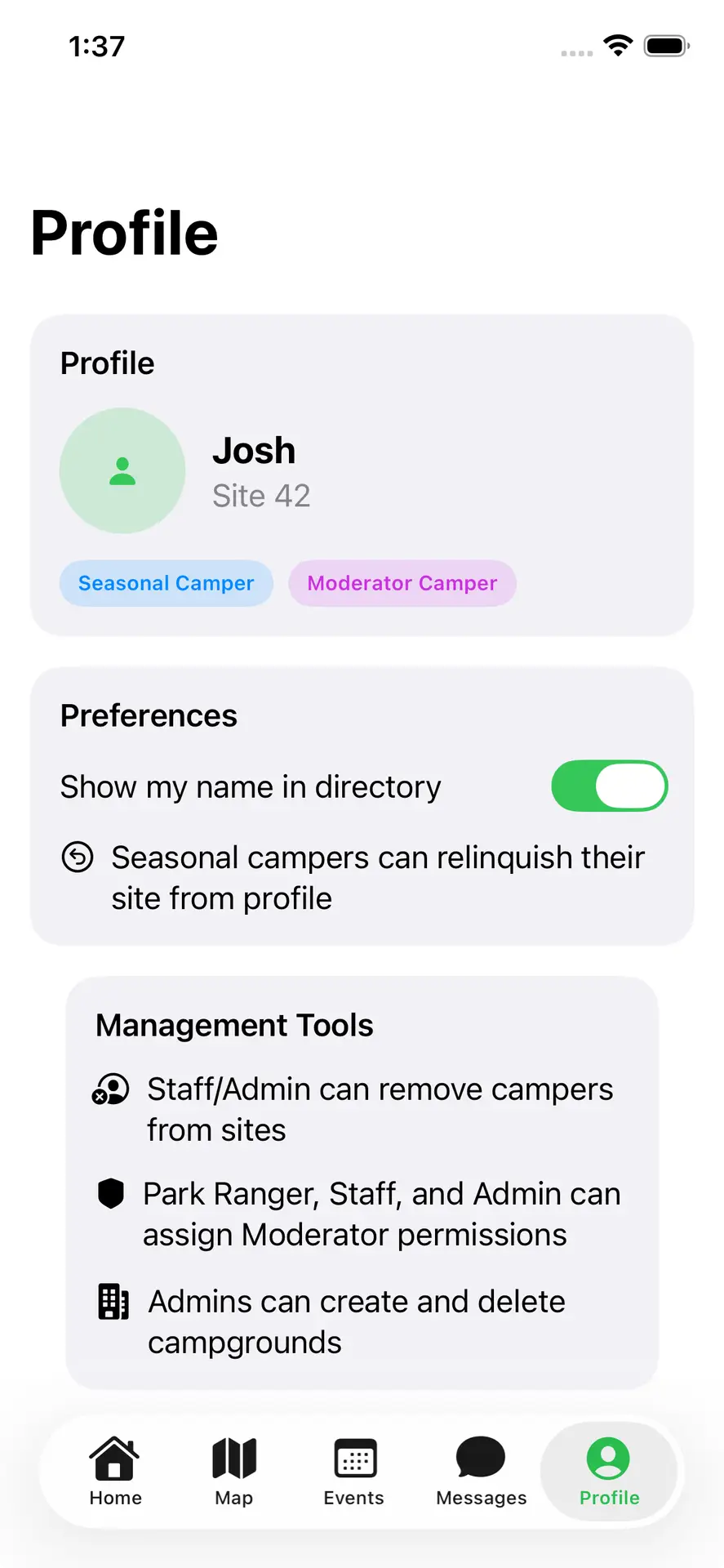
Use this page as a quick reference for internal rollout conversations.
CampVibe staff can use this space to align on rollout scope, feature eligibility, premium packaging, and campground readiness before launch or support follow-up.
Need to review rollout scope or premium access?
Use the staff and pricing pages together to align on feature eligibility, licensing tiers, and support expectations for each campground launch.
